Tips for Creating a Cozy and Productive Home Office Space
Creating a home office that is both cozy and productive is essential to maintaining motivation and focus, especially if you work remotely or spend significant time at home. A well-designed workspace can improve your mood, reduce distractions, and enhance your overall work performance. This guide offers actionable tips to help you set up a home office that feels inviting while supporting your daily tasks.
Choose the Right Location
Selecting the best spot for your home office is the first step. Ideally, choose a quiet area with minimal foot traffic to reduce interruptions. If possible, select a room with natural light, such as near a window, to boost your energy and reduce eye strain.
– Avoid noisy areas like living rooms or kitchens.
– Consider a corner space if a dedicated room is unavailable.
– Ensure the location has enough space for your furniture and equipment.
Invest in Comfortable and Functional Furniture
Your office furniture should support good posture and be comfortable enough for long hours of work.
– Desk: Choose a desk that fits your space and accommodates your devices. Adjustable desks or those with enough surface area for multiple monitors can enhance comfort.
– Chair: Invest in an ergonomic chair with good lumbar support. Comfort is key to avoiding back pain and fatigue.
– Storage: Use shelves, drawers, or filing cabinets to keep your workspace organized and clutter-free.
Optimize Lighting
Proper lighting reduces eye strain and creates a pleasant atmosphere.
– Maximize natural light by positioning your desk near a window, but avoid glare on your screen.
– Add a desk lamp with adjustable brightness for task lighting during darker hours.
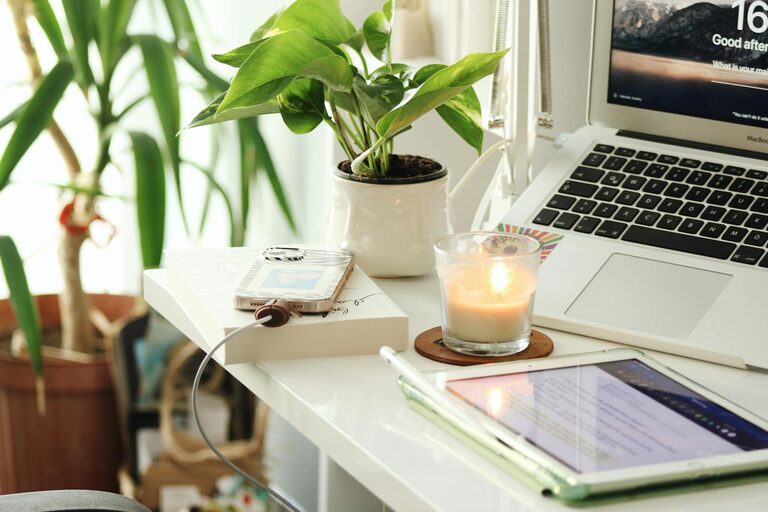
– Consider warm light bulbs to create a cozy and inviting environment.
Personalize Your Space
Making your workspace inviting encourages you to spend time there and can boost creativity.
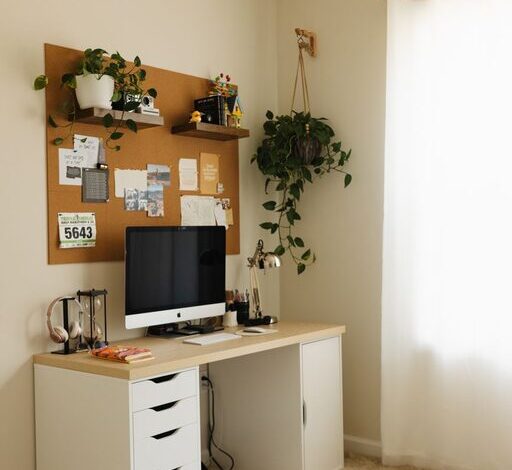
– Add plants to bring a touch of nature indoors; they improve air quality and mood.
– Decorate with artwork or photographs that inspire you.
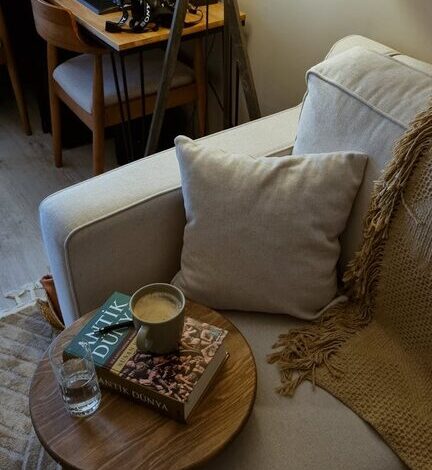
– Use textiles like rugs, cushions, or curtains to add warmth and texture.
Keep Technology Organized
Managing cables and devices efficiently prevents distractions and saves time.
– Use cable organizers or clips to keep wires tidy.
– Position your computer, printer, and other gadgets within easy reach.
– Utilize wireless devices when possible to reduce clutter.
Establish Zones for Different Activities
If your space allows, create areas for specific tasks to help your brain switch focus smoothly.
– A primary workstation for computer tasks.
– A reading nook with a comfortable chair and good lighting.
– A spot for brainstorming, such as a whiteboard or corkboard wall for notes and ideas.
Maintain a Consistent Routine
Even the best home office benefits from a clear schedule.
– Set regular work hours to create boundaries between work and personal life.
– Take short breaks to move and rest your eyes.
– Keep your workspace tidy daily to maintain productivity.
Control Noise and Distractions
Sound can have a big impact on your ability to concentrate.
– Use noise-cancelling headphones if you cannot control ambient sound.
– Consider a white noise machine or background music to mask disruptive noises.
– Inform household members about your work hours to minimize interruptions.
Incorporate Ergonomics for Health
Prevent physical strain by adjusting your workspace to your body’s needs.
– Position your monitor at eye level to avoid neck strain.
– Keep your feet flat on the floor or use a footrest.
– Use a keyboard and mouse that reduce wrist discomfort.
Maintain Air Quality and Temperature
A comfortable environment helps you stay focused and alert.
– Open windows regularly to ventilate the room.
– Add a small air purifier if necessary.
– Adjust the room temperature to your comfort level, often between 20-22°C (68-72°F).
—
By combining these tips, you can create a home office that not only looks inviting but also supports your productivity and well-being. Remember, the key is to design a space that fits your work style and personal preferences, making your daily routine more enjoyable and efficient.